
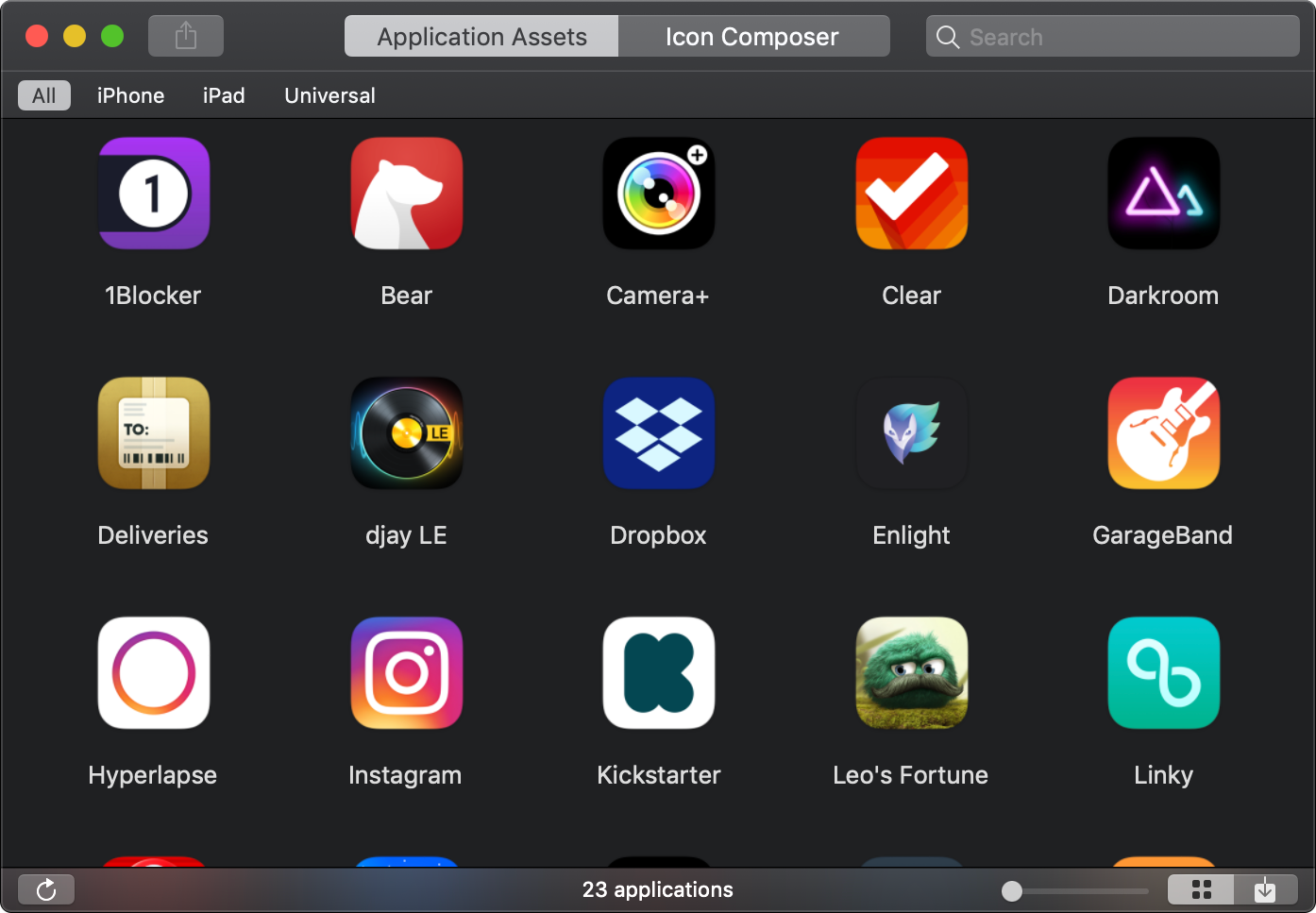
Designing or developing iOS applications? Crunch is a simple, yet powerful, utility that extracts the content of iOS applications and makes designing nifty icons easy-peasy. But that’s not all…

Extract resources
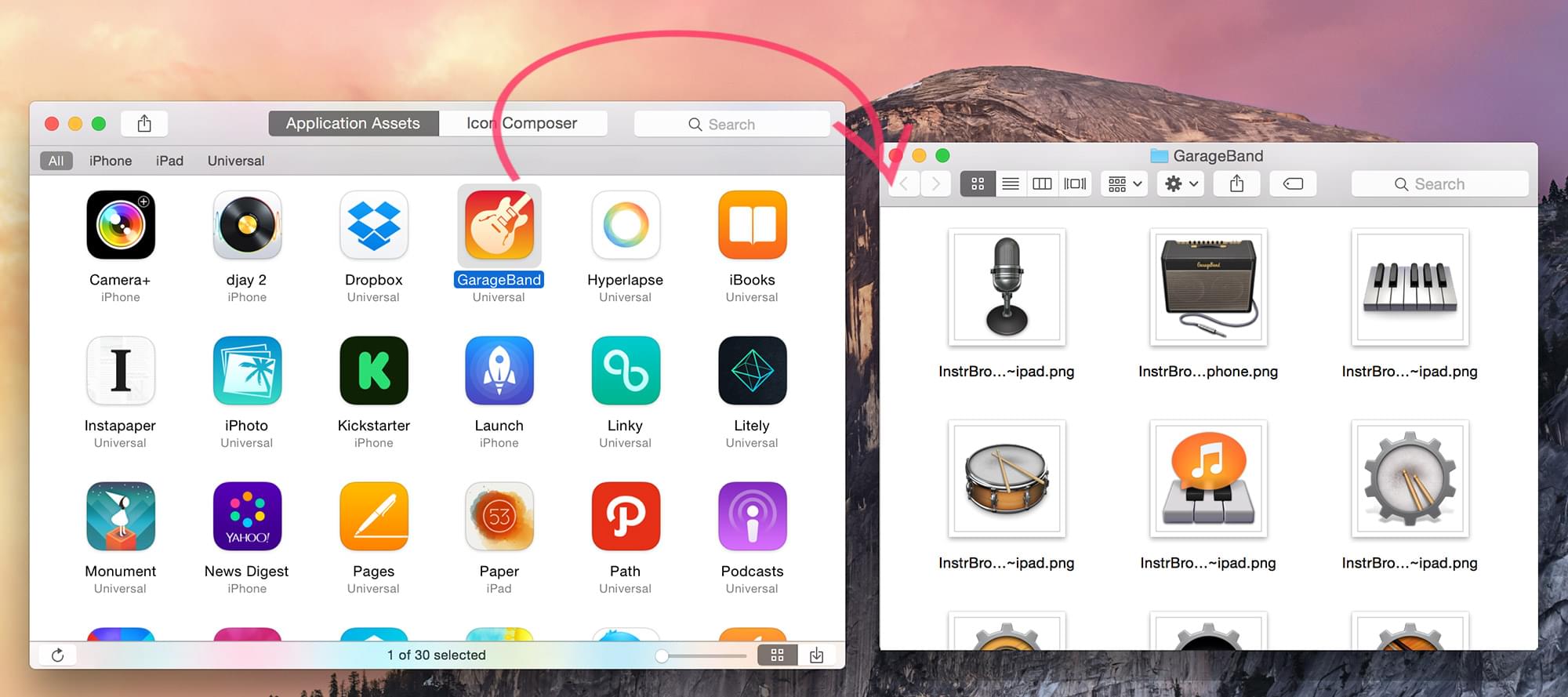
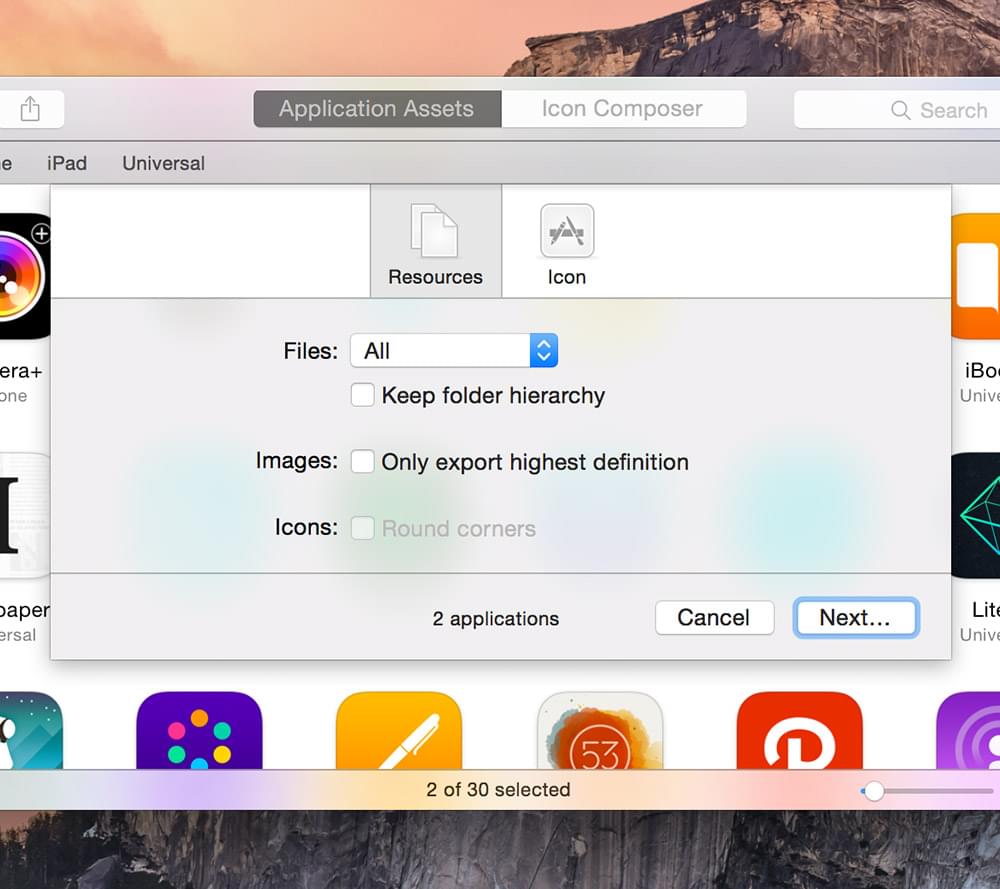
Export resource files including images and icons from applications.

Extract iOS Catalogs
Extract original assets bundled in iOS and macOS Asset Catalogs.

Create icons
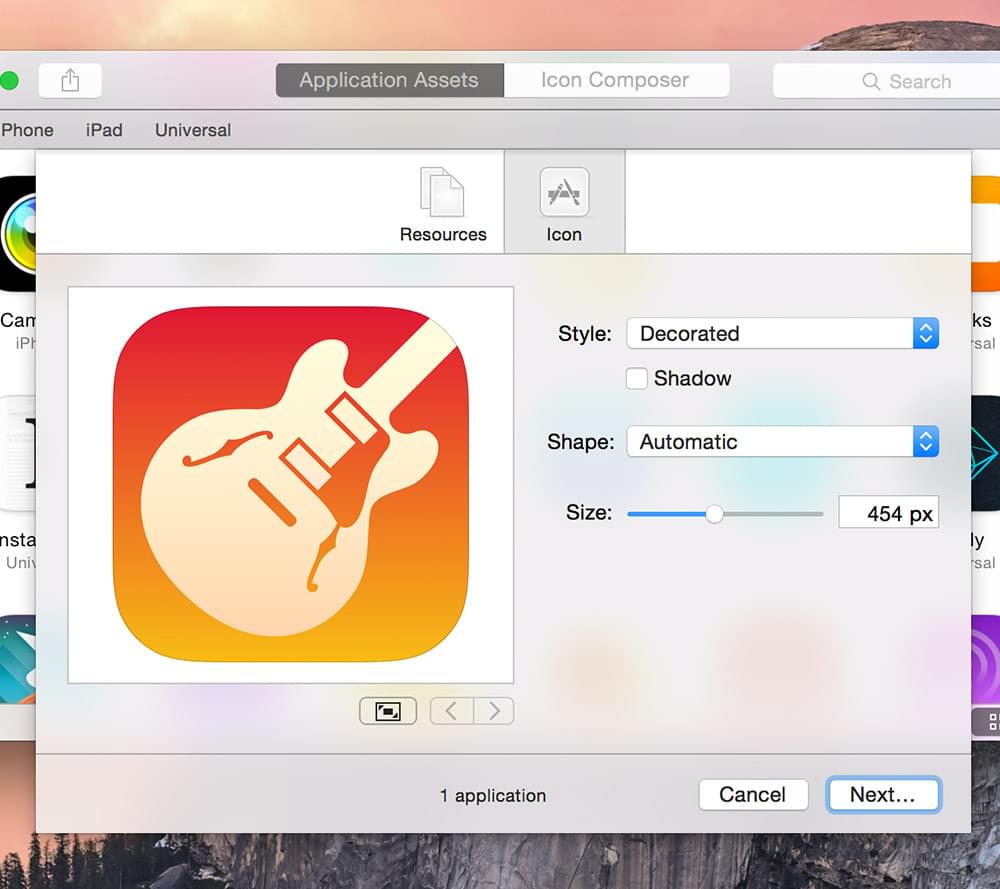
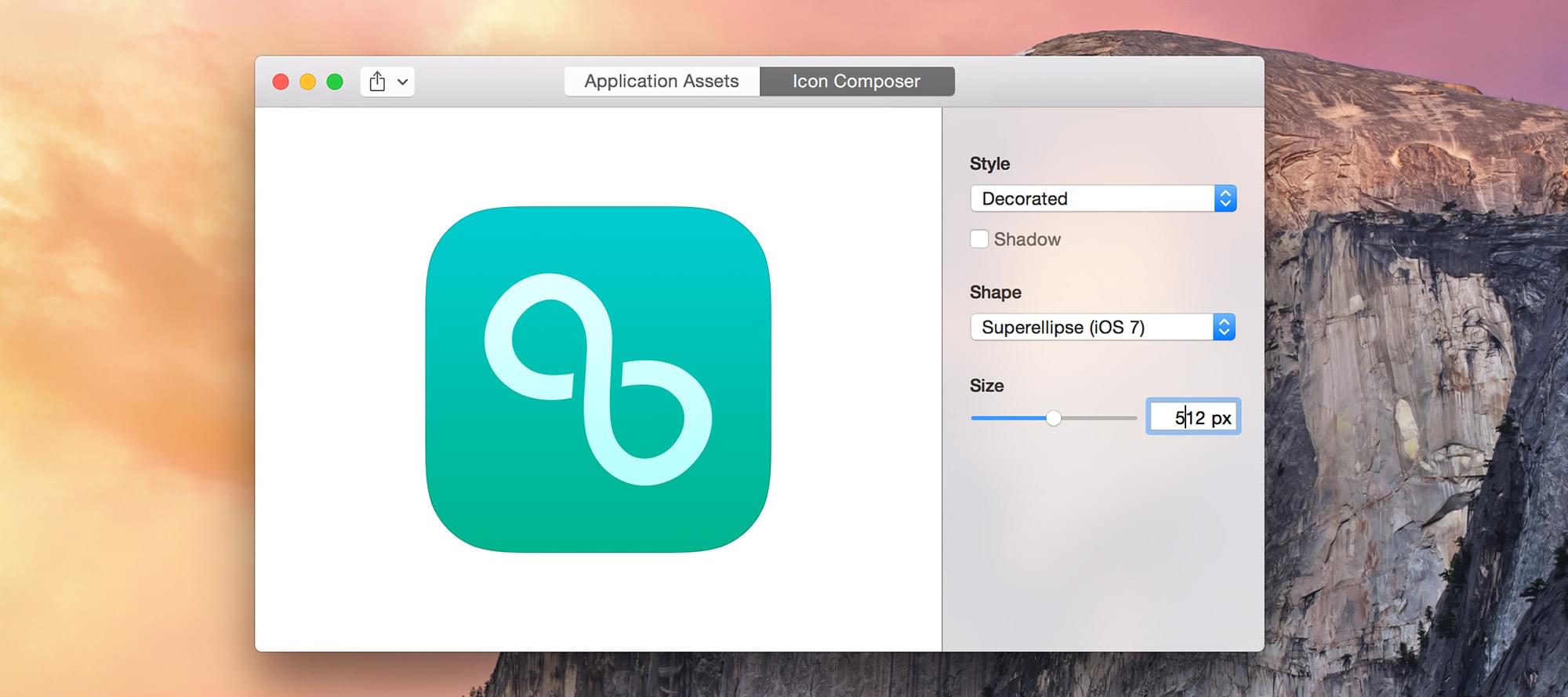
Transform artwork images into beautiful rounded icons. You can either choose legacy style with shadows, glows and strokes or iOS 7’s flat style with its super-ellipical shape.

Quick Look iOS applications
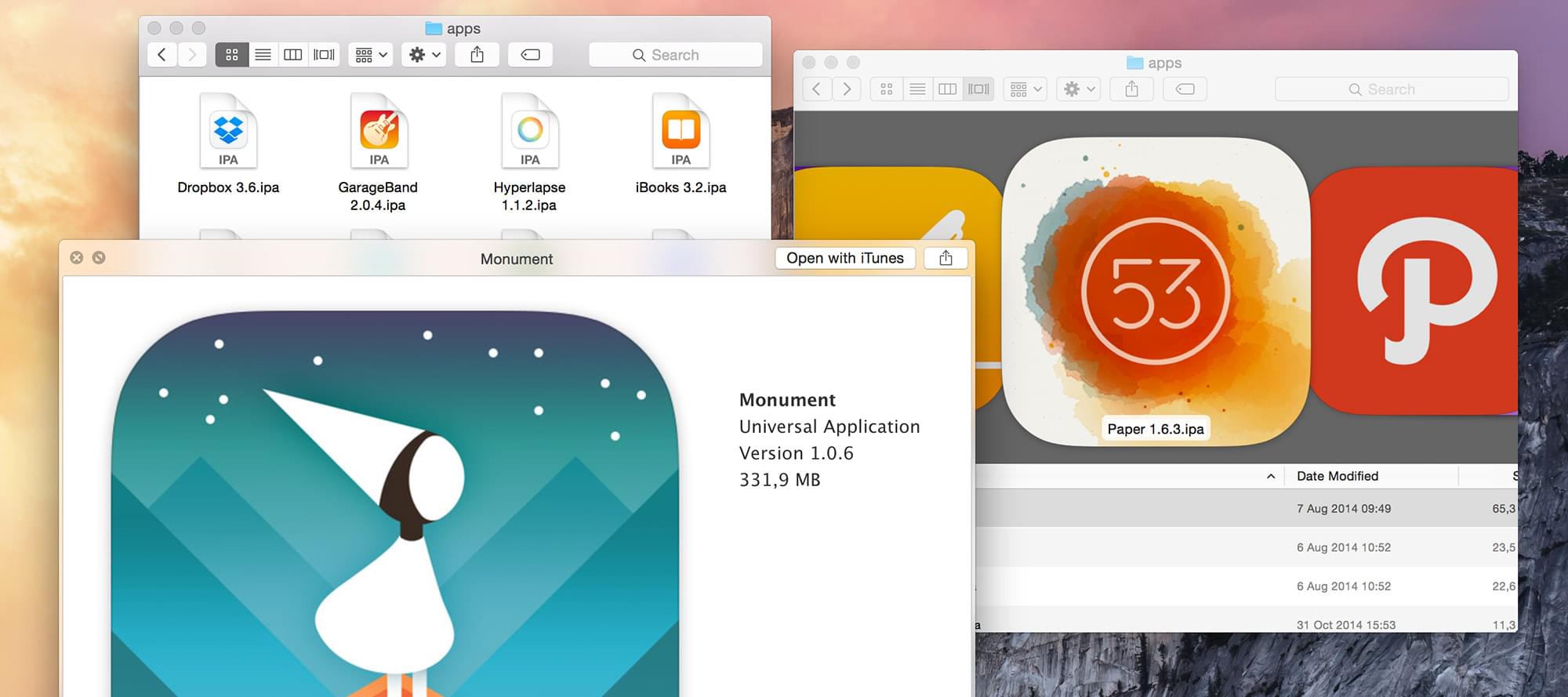
See iOS applications with awesome thumbnails right from the Finder. Display full-size application icons in the Preview Panel.
Crunch Tour
They talk about Crunch
Crunch does one thing very well, and I’m sure it can become an invaluable tool for anyone who designs and develops for iOS and wants to “know more” about apps and how they’re created, at least from a graphical standpoint.”
10/10. Extracting the contents of an iOS app can be confusing, but this app makes it effortless.”
A great way to learn how to design for mobile is by examining other apps. Even better is looking at the resource files and how they’ve been sliced.”
All features
Export iOS and macOS application material
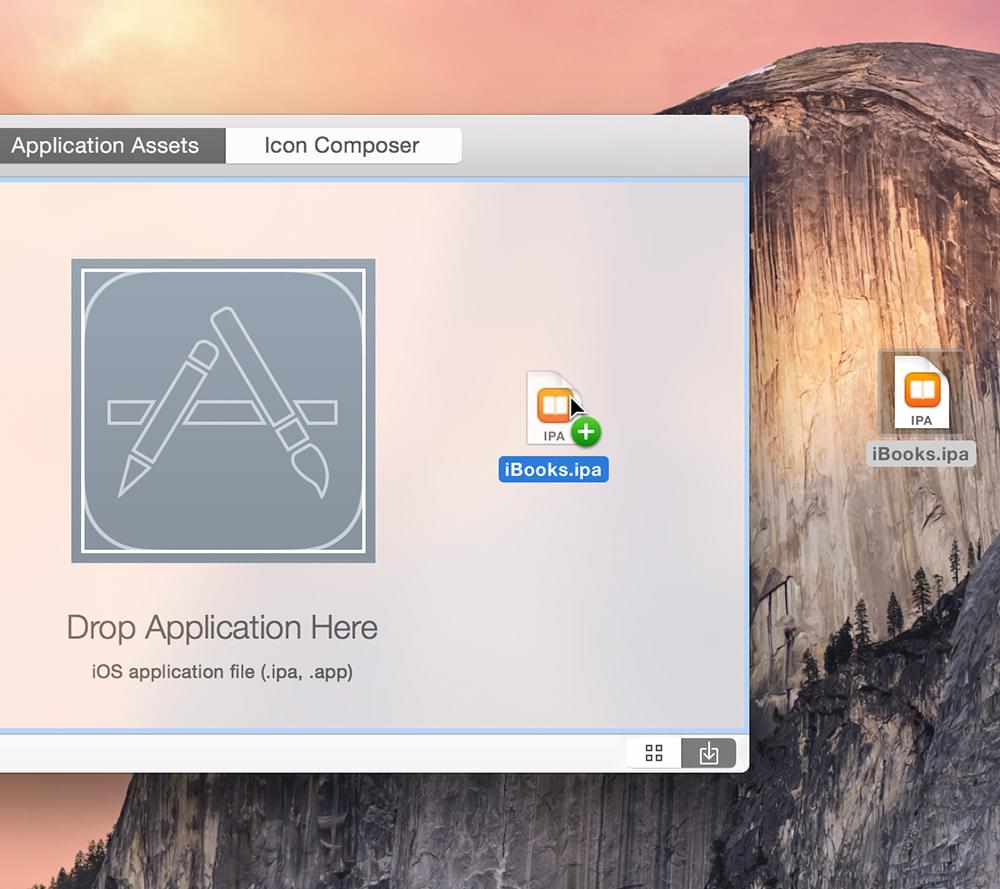
- Export resource files including images and icons from applications (.ipa and .app files). Assets bundled in Asset Catalogs are extracted when exporting.
- Export in batch by dropping a folder of applications onto Crunch to export them all.
- Apply filters to export only certain files: images, media, icons.
- Use export options: keep folder hierarchy, only export the highest definition images, apply a perfect shape mask to icons.
Extract Asset Catalog files
- Extract assets from iOS and macOS Asset Catalogs (.car files).
Applications browser
- Automatically find apps from your iTunes Library, use Spotlight or select any folder.
- With Spotlight, Crunch will find any application on your Mac regardless of location.
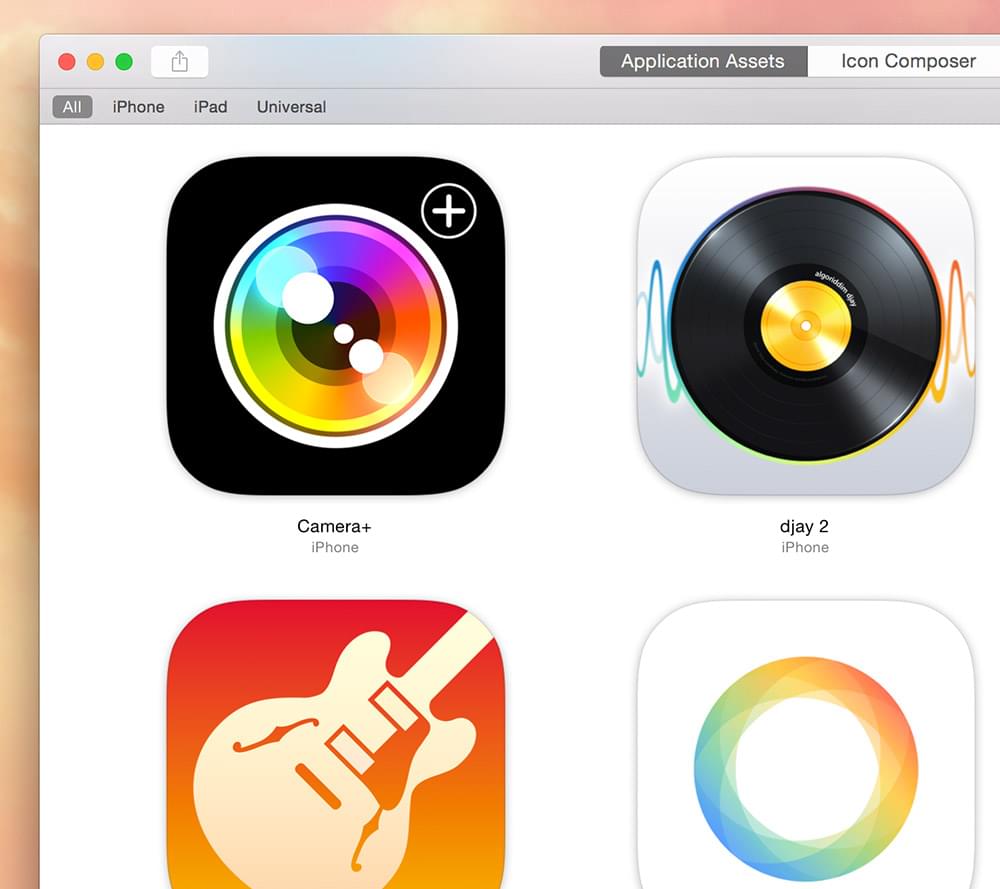
- Browse all apps and filter them by platform — iPhone, iPad, or Universal.
- Use the Zoom Slider to preview icons up to their original size and reveal all their crazy detail.
- Support for the MacBook Touch Bar: use the Touch Bar to browse and select iOS applications.
Make icons
- Make icons from iOS applications or from raw artwork images.
- Generate icons from 16 to 1024 pixels in transparent PNG format.
- Use Style Presets: legacy style with shadows, glows and strokes or iOS 7’s flat style.
- Apply a mask: legacy shape with rounded corners or iOS 7 super-ellipical shape.
- Export icon assets in all the required sizes specified in Apple’s iOS Human Interface Guidelines.
Quick Look iOS applications
- See iOS applications with awesome thumbnails directly in the Finder.
- Display full-size application icons in the Preview Panel.
Optimized for macOS Mojave
- Support of macOS Mojave Dark Mode.
- Application is notarized by Apple for enhanced Gatekeeper security.
Frequently asked questions
Will my Mac run Crunch?
Crunch requires macOS 10.13 (macOS High Sierra). If your Mac doesn’t meet the system requirements, you can download an older version: OS X 10.7+, OS X 10.10+, OS X 10.11+. Note that old software is unsupported.
Is Crunch available on the Mac App Store?
The app is not available on the Mac App Store. Crunch is only offered on this website via FastSpring.
Why Crunch can’t find iOS applications from my iTunes library?
iTunes 12.7 published on September 12, 2017 and later versions remove the ability to download and manage iOS applications. Because of this change, it’s no longer possible for Crunch to get access to iOS application archives (.IPA files) downloaded using iTunes. Go to this support page to find some solutions, including the installation of a special version of iTunes, actually tagged as version 12.6.3, which gives the ability to download and manage iOS applications.
Is it possible to extract iOS applications found on my iOS device?
Crunch cannot connect to your device directly to upload iOS applications. This operation is not supported by the macOS SDK and the access to the file system of an iOS device is disallowed for security reasons.
I have another question that isn’t answered here…
E-mail us anytime at $0 and we’ll be happy to help. It may take us up to 24 hours to respond as we work on Crunch alongside our full-time jobs.