

Linky lets you easily share webpage links, images and text extracts to Mastodon and Bluesky from your iPhone and iPad. Write your post, choose your preferred social networks and Linky will do the rest!
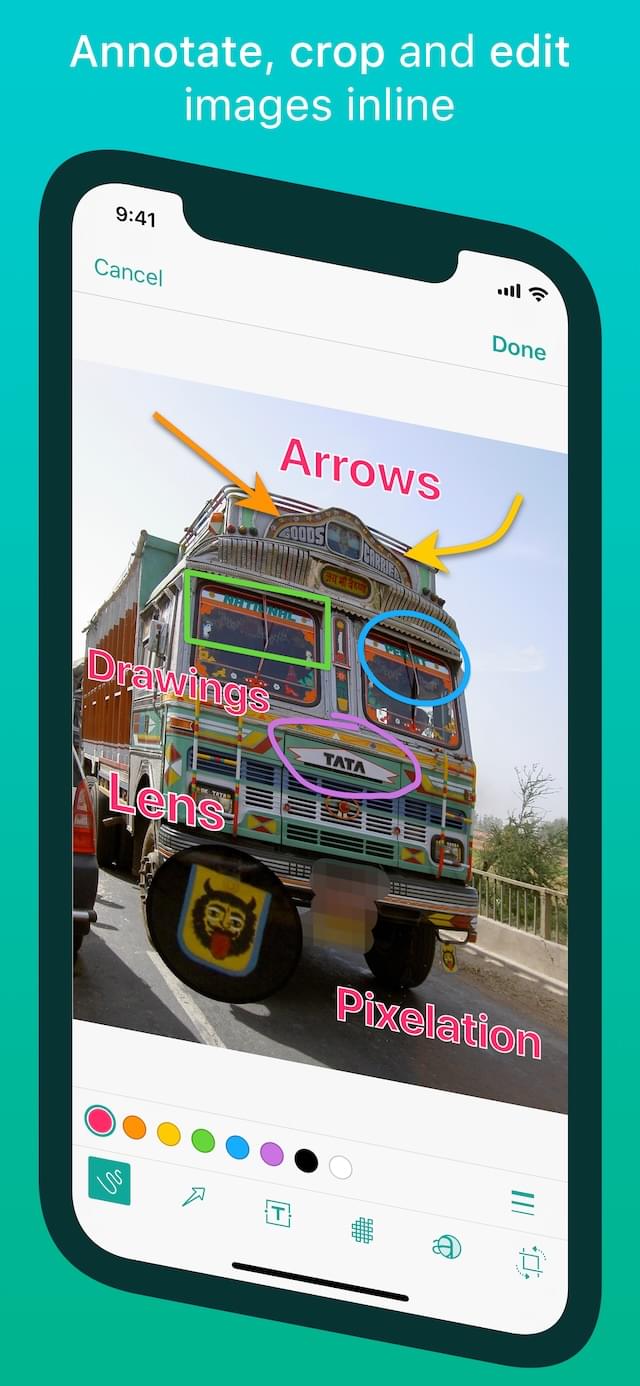

Share From Safari
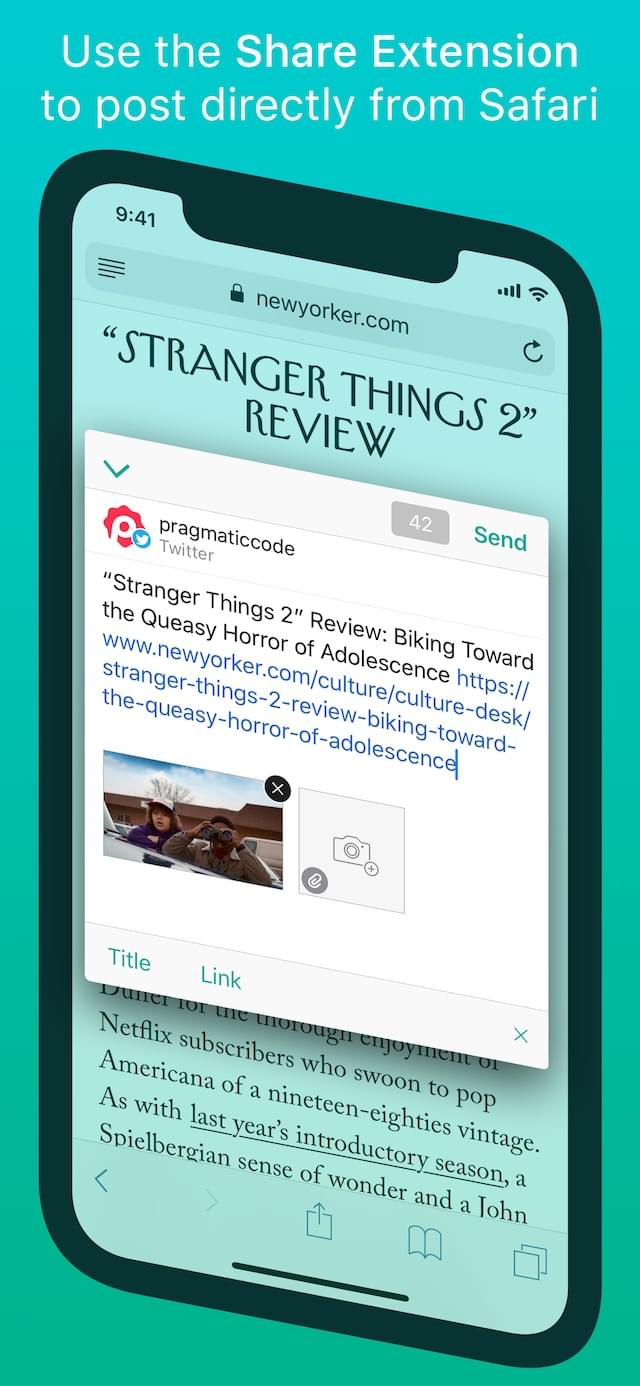
With just one tap of the Action button in Safari, you can share the current page using the embedded composer sheet without ever leaving Safari. You can also share URLs directly from other third-party apps via the Share Extension.

Share Text & Images
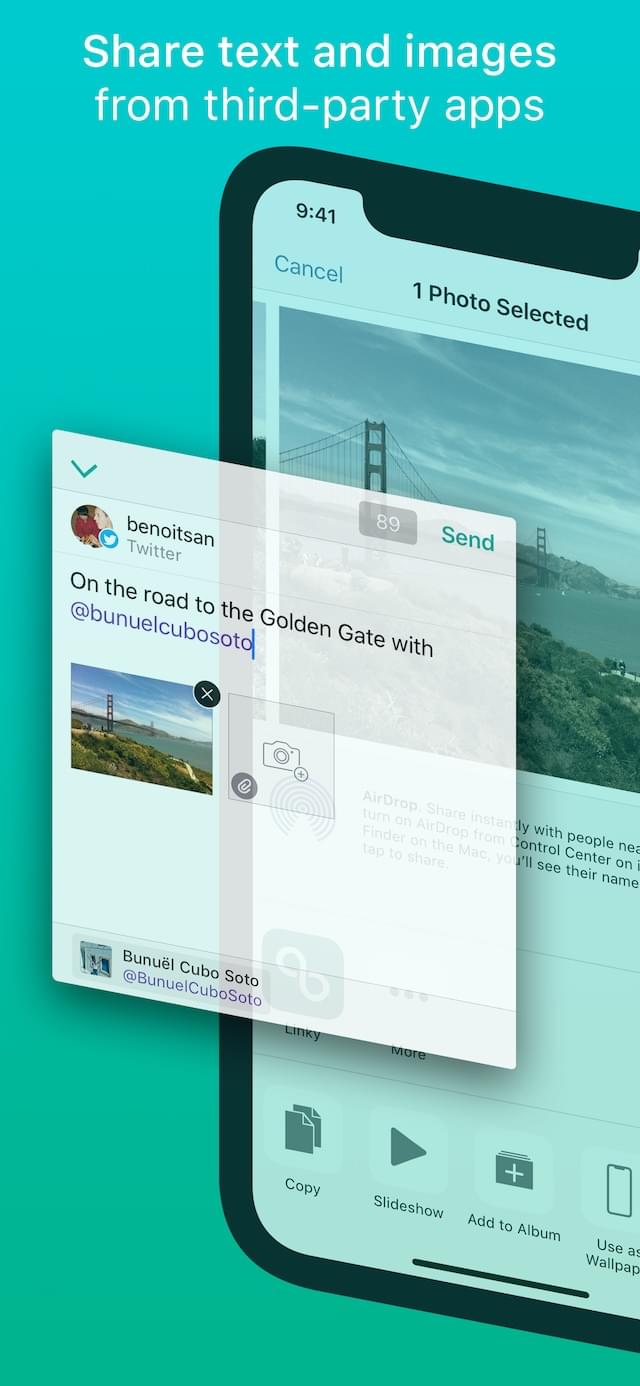
Share images easily from the Photos app and third-party applications. You can also preview the shared image in fullscreen before sending it.
Share any text too! Bring up the extension, the text is copied into the message, edit if required and share. It's that simple.

Content-Related Images
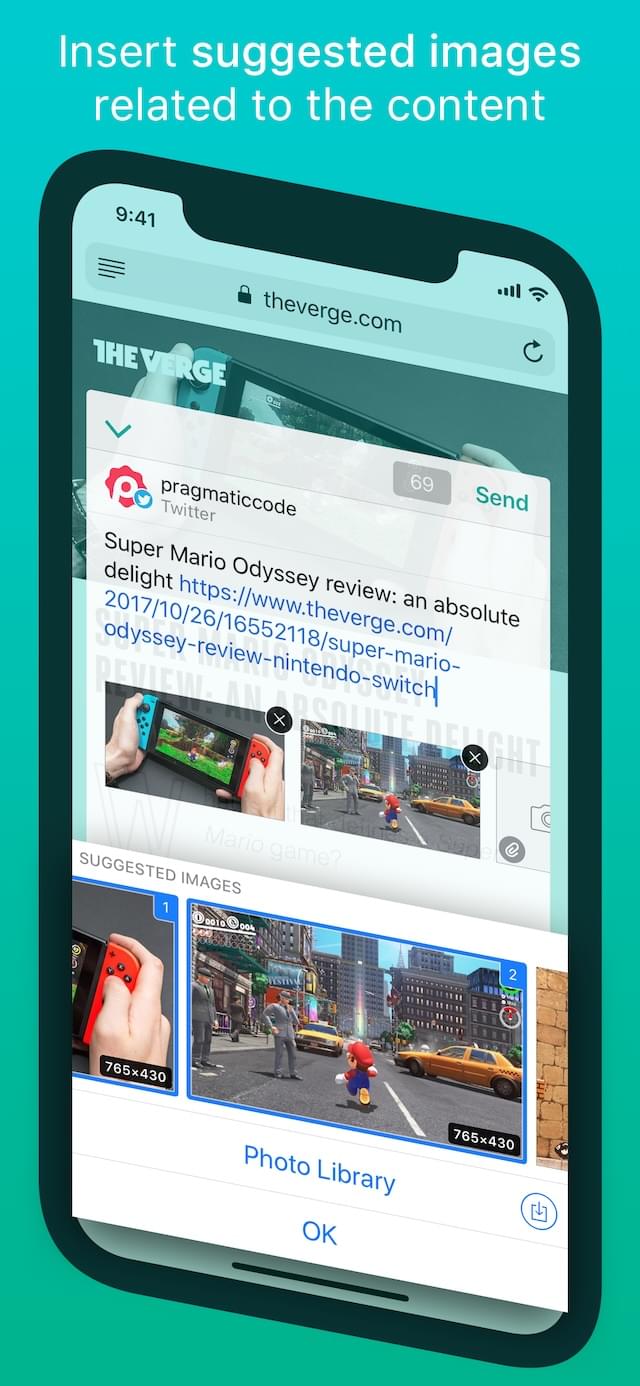
Linky suggests images related to the webpage and can add them to the message.

Web Clipper
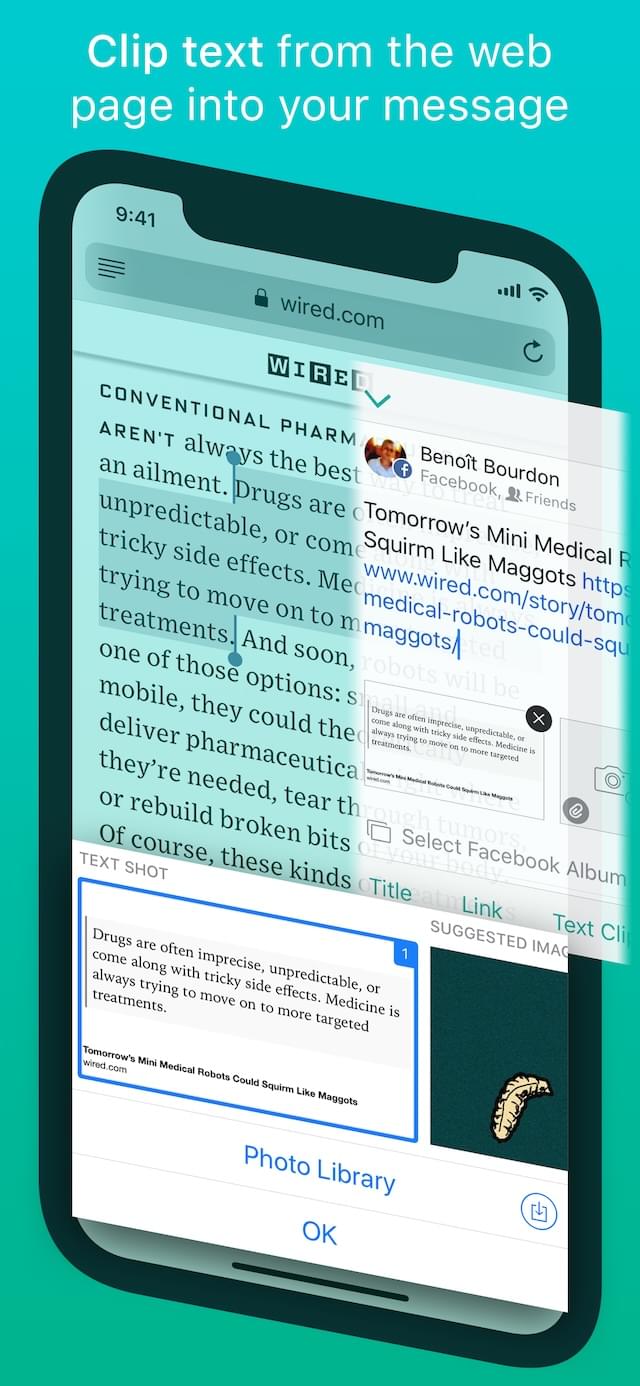
Linky's Web Clipper extracts selected text from a web page and carries it over to the composer sheet, ready for you to edit.

Text Shots
You can make a text shot from the text selection in Safari for sharing as a beautiful image.

Shortening
Linky can insert both the URL and the title of the webpage as required. It can also shorten links, giving you access to further link analytics.

Cross Posting
Send a message to multiple accounts at once.
All features
- Supports Mastodon and Bluesky.
- Post messages simultaneously on multiple accounts.
- iOS Share Extensions are integrated directly into Safari and many other third-party apps, allowing you to directly share text, images and web page links.
- Add multiple images to your messages (animated GIFs are supported).
- Image preview in fullscreen.
- Suggestion of images related to shared links.
- Share selected text in Safari as a text shot image.
- Convert music links from Apple Music or Spotify into a single link that works across different streaming services.
- Links, hashtags and mentions are color-highlighted when composing.
- Usernames are auto-completed when typing the @ symbol.
- Links can be shortened when the message is sent using bit.ly, CloudApp, Droplr, Goo.gl, and yourls.org (all link-shorteners require an account).
- Clipboard URL: If a URL is copied to the clipboard from another application, Linky will ask whether you want to use it.
- URL Scheme to launch Linky from other apps using the x-callback-url specification (in-app documentation and examples).
- Drag & Drop support for the iPad allowing you to drop images in the Share Extension.
- VoiceOver accessibility for the visually impaired.
- Universal App (iPhone + iPad).
- Supports iOS multitasking (Slide Over and Split View on the iPad).
- Supports both portrait and landscape orientations on the iPhone and the iPad.
They talk about Linky
Linky 5.0 removes friction from sharing links, quotes, and images. I appreciate the intelligent use of Open Graph and Twitter Cards to save even more time, and I'm a fan of the deeper controls Linky brings when compared to the default share sheet of Twitter. I can't recommend Linky enough.”
Linky turbocharges sharing links and images to Twitter from Safari or other apps supporting iOS extensions.”
4 out of 5 mice
Frequently asked questions
Why are Facebook and Twitter no longer supported?
Facebook and Twitter integration had to be removed from Linky. Facebook and Twitter have reevaluated the integration of third-party applications into their platforms and no longer allow Linky. We had no alternative but to remove Facebook and Twitter from Linky. Learn more about Facebook and Twitter removals.
I have another question that isn’t answered here…
E-mail us anytime at $0 and we’ll be happy to help. It may take us up to 24 hours to respond as we work on Linky alongside our full-time jobs.